Every maths, phonics, reading and typing question in Learning Playground is free, and so are four of the eight Nursery activities. The full version adds the other four Nursery activities, a Story library of 27 books, the Teacher toolkit and 12 more calm play games. Here is exactly what you get.
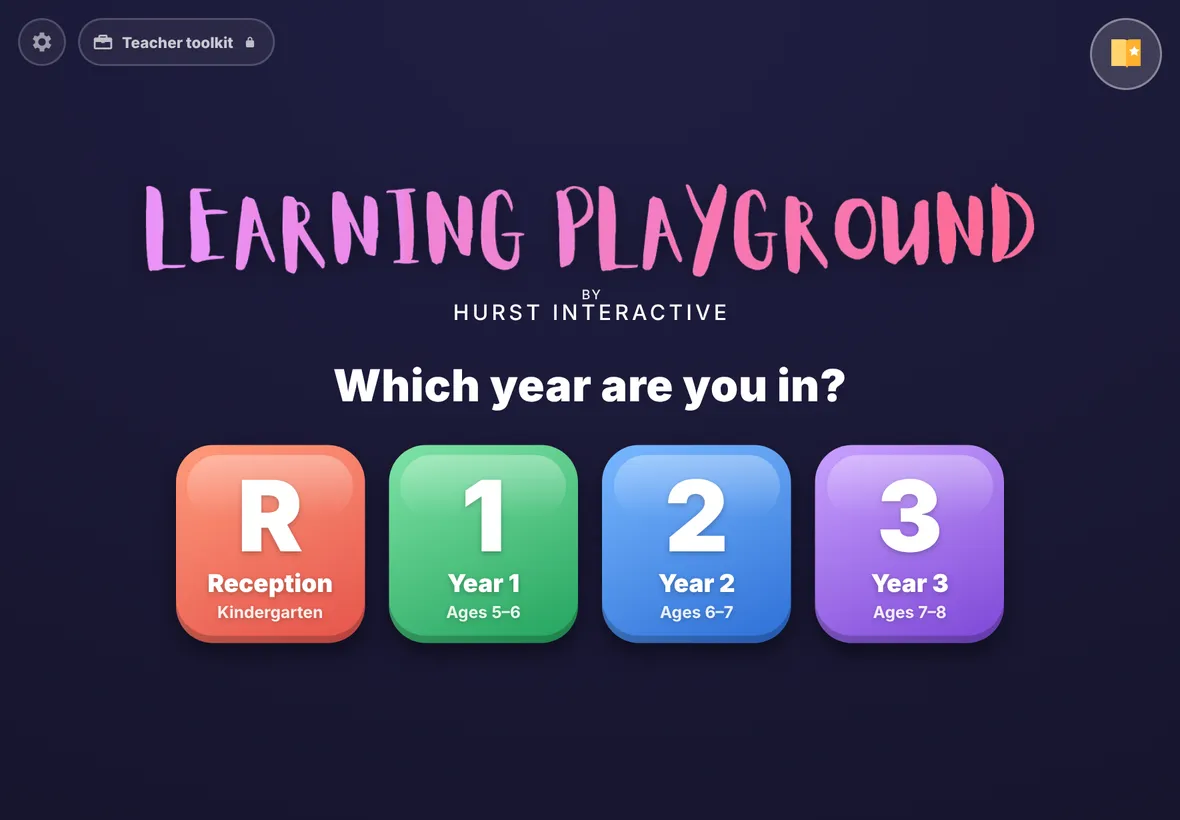
The home screen. The Teacher toolkit button sits at the top left.
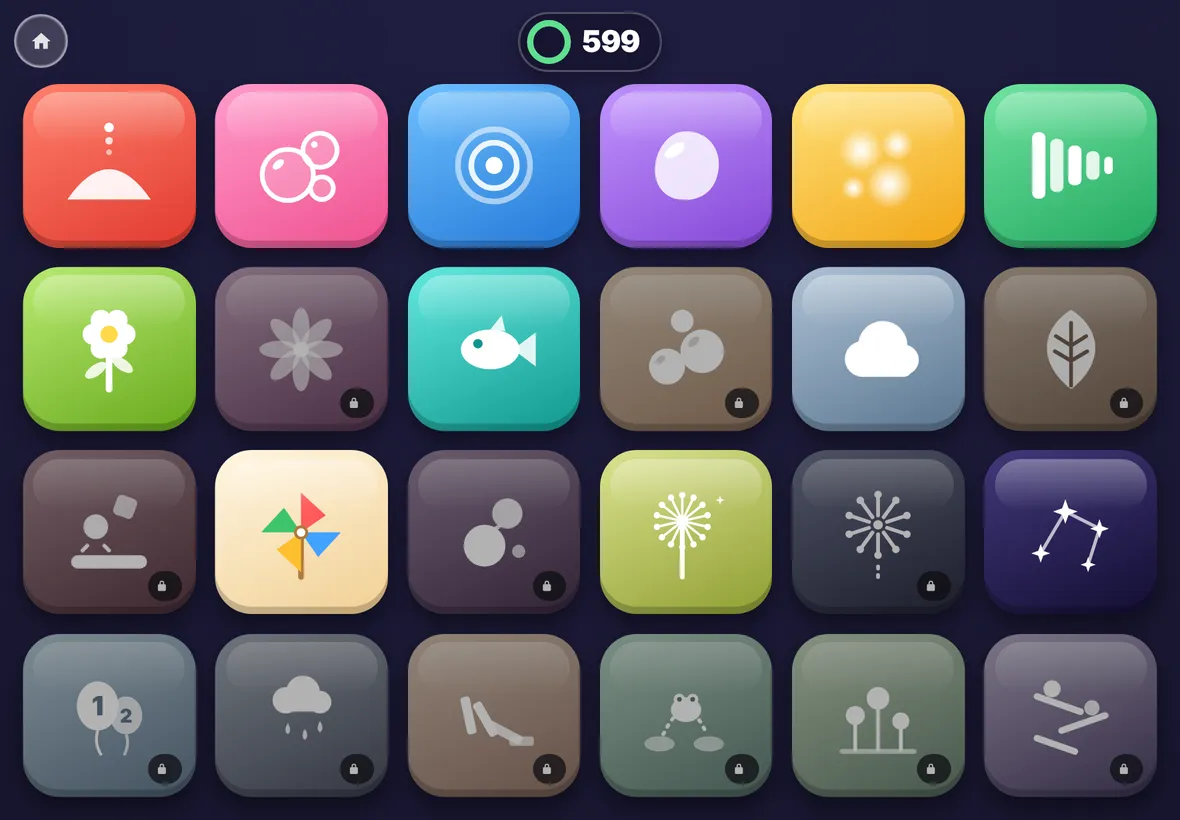
Play time in the free version. Greyed games with a padlock open with the full version.
New · Nursery · ages 2 to 4
Eight picture activities for the youngest learners
No reading needed. Each activity speaks to the child, has big buttons and never says wrong: a gentle "try again" and a helping hint instead. Five questions, then stars, stickers and calm play time.
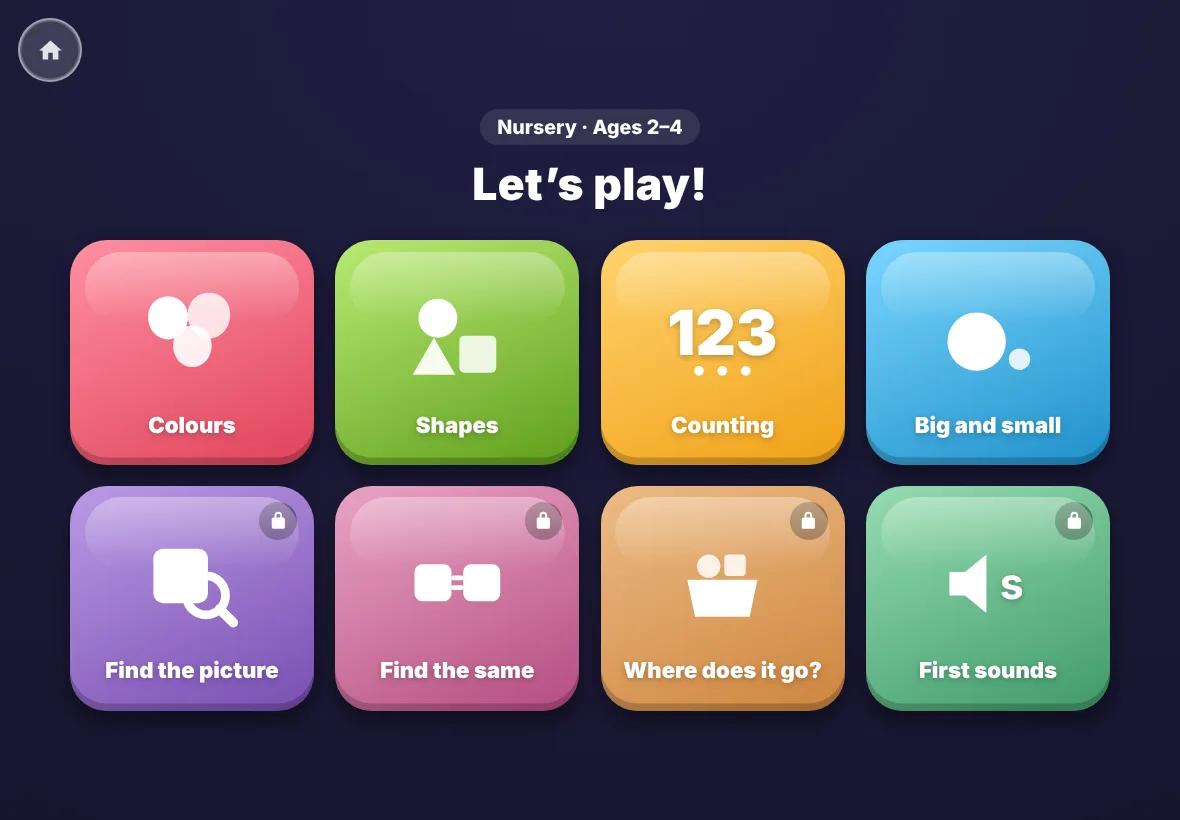
The Nursery home screen: eight big picture buttons.
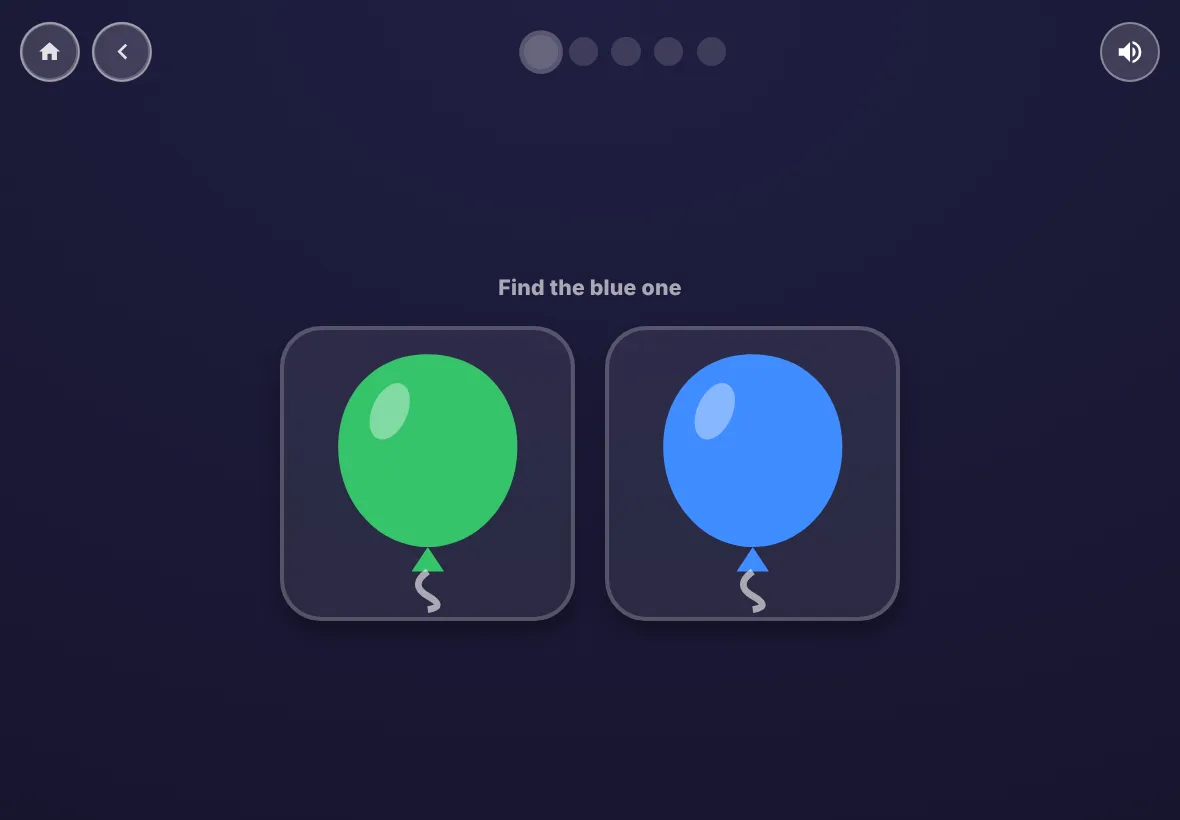
Colours. The app says "Find the blue one"; a tap on the right balloon earns a star.
Free
Colours, Shapes, Counting (tap each one and it counts aloud) and Big and small.
Full version
Find the picture, Find the same, Where does it go? (drag a picture to a basket) and First sounds (hear a sound, pick the picture that starts with it).
Grows with the child
Questions start with two pictures to choose from and move up to three after a perfect round. Teachers can fix it at two or three.
Free and full, side by side
Free
Nursery (ages 2 to 4): colours, shapes, counting, and big and small, with spoken prompts and no reading
All questions for Reception to Year 2: maths, phonics, reading and typing
Phonics that follows a common UK order, set to the level your class has reached
25 stories, poems and information texts for Story time, plus the first book of every Story library series
Letter tracing, stickers and the calm reward screens
12 play-time games
No adverts, no sign-in, nothing collected
Full version
Everything in the free version
Four more Nursery activities: find the picture, find the same, where does it go? and first sounds
The Story library: 27 more books for Reception to Year 2, with questions
The Teacher toolkit: 9 classroom maths tools for the board or a group table
12 more play-time games, 24 in total
Families pay once; schools pay yearly. No adverts
Works offline once unlocked
Story library
27 books to read, with questions after each one
Every year group gets its own bookshelf. Children pick a book, read it, and answer questions that check they understood it. Every book is original, written for Learning Playground.
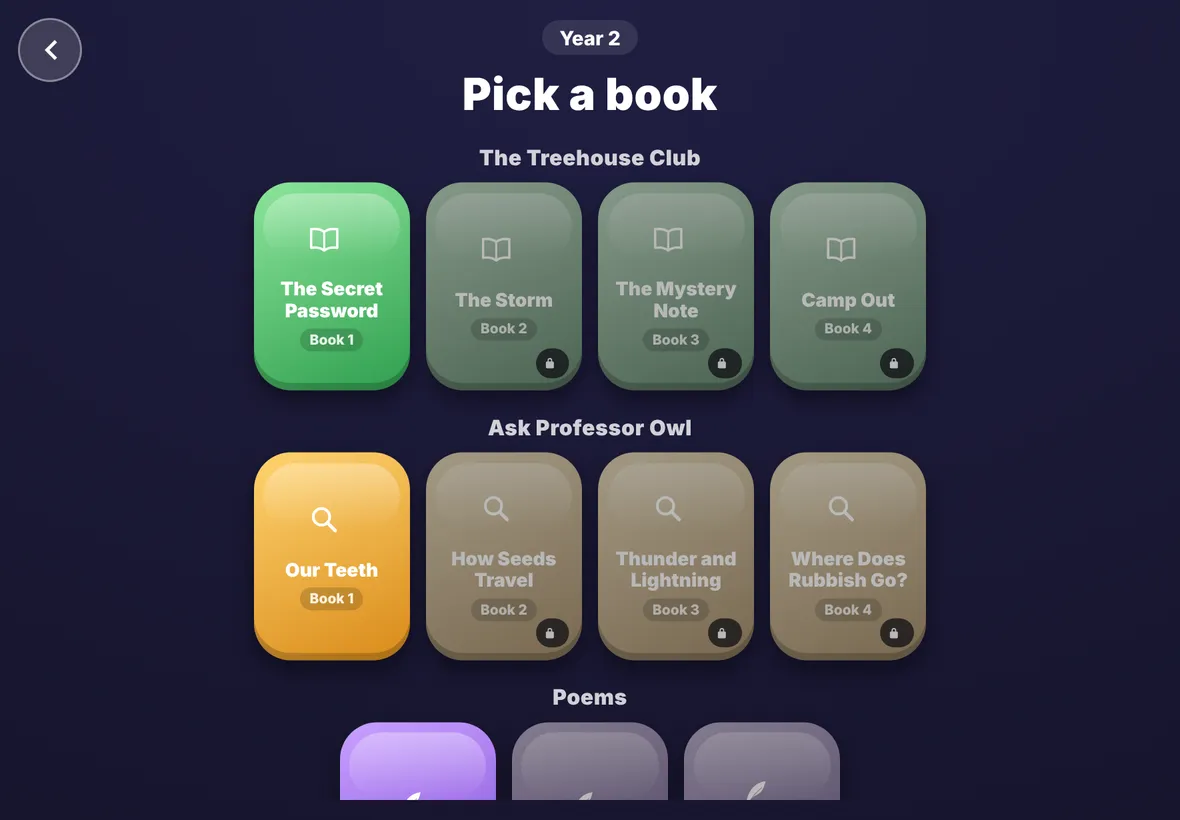
The Year 2 shelf in the free version. The first book of each series is free.
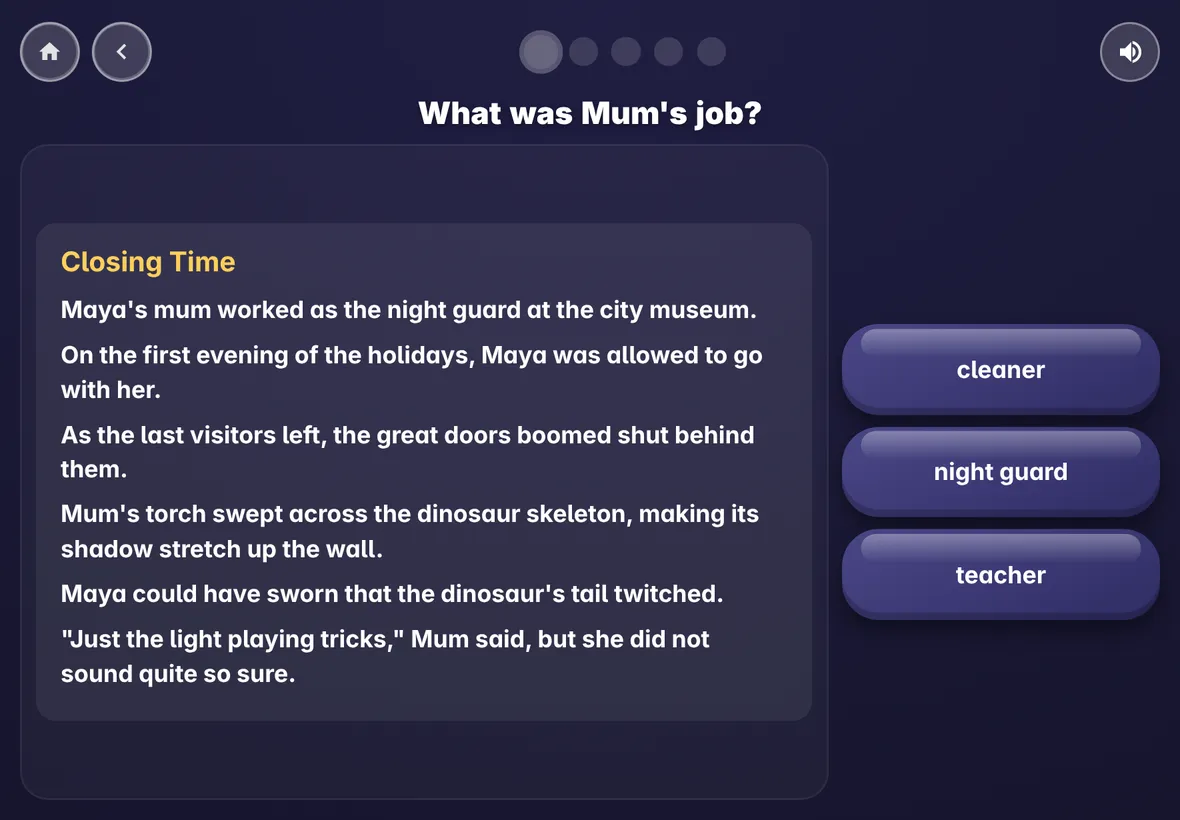
A Year 2 story with its first question. The read-aloud button reads the questions.
Reception and Year 1
12 short books children can sound out, with Pip the Pup and Jen and Zak. A book appears on the shelf once the class has learned the sounds it uses.
Year 2
15 books, including The Treehouse Club, Ask Professor Owl facts, poems and instructions for growing a cress head and playing hopscotch.
Questions that go further
Questions ask what happened, but also what a word means, how a character feels and what kind of text it is.
Teacher toolkit
Nine maths tools for your lessons
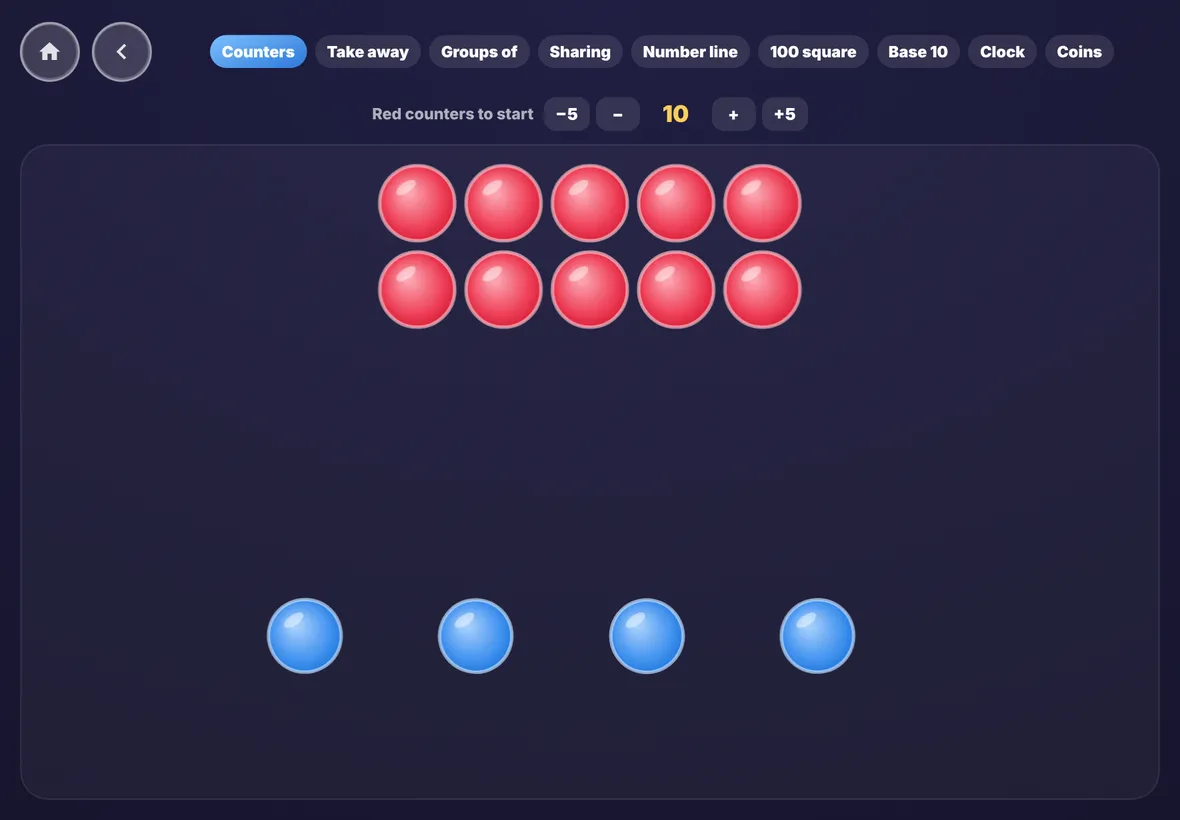
Put them on the interactive whiteboard or hand an iPad to a group. Each tool lets you choose where the numbers start.
Counters
Play time
The 12 games that come with the full version
Children earn play time by answering questions. These games join the 12 that are already free. All of them are calm, with gentle sound and no scores or timers to beat.
Kaleidoscope
Draw with a finger and the line mirrors six ways, with soft chimes.
Bounce
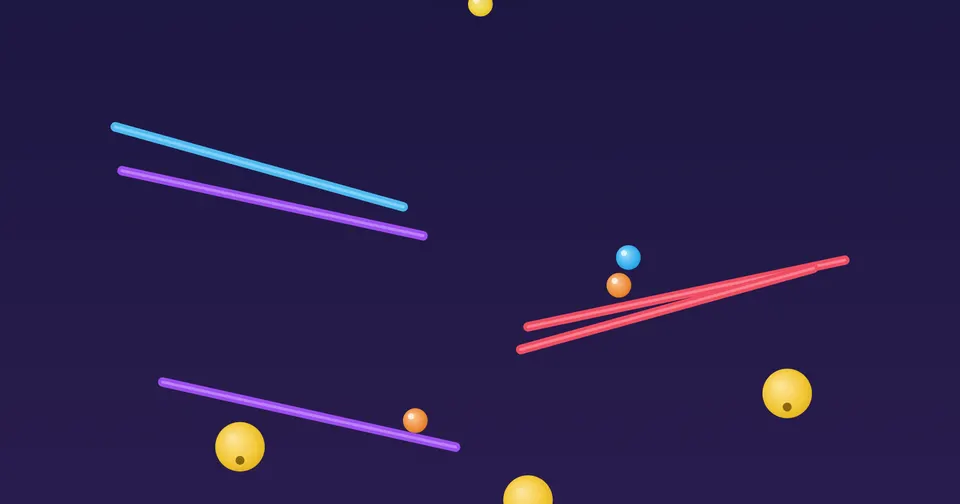
Flick shiny balls around the screen and hear them ring as they bounce.
Leaves
Sweep through autumn leaves as they drift and tumble.
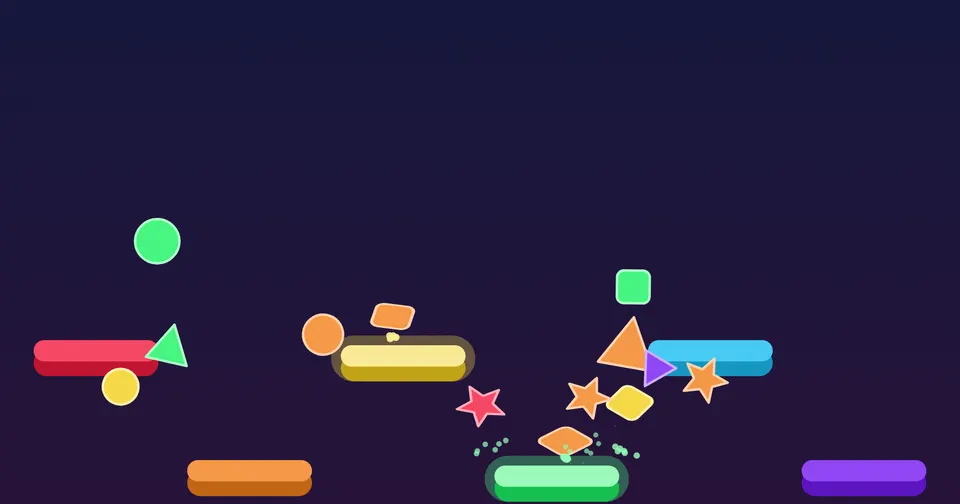
Drums
Drop shapes onto coloured bars. Each bar plays its own drum.
Lava
A slow lava lamp. Push the glowing blobs and watch them join.
Fireworks
Tap the night sky to send up quiet, sparkling fireworks.
Number balloons
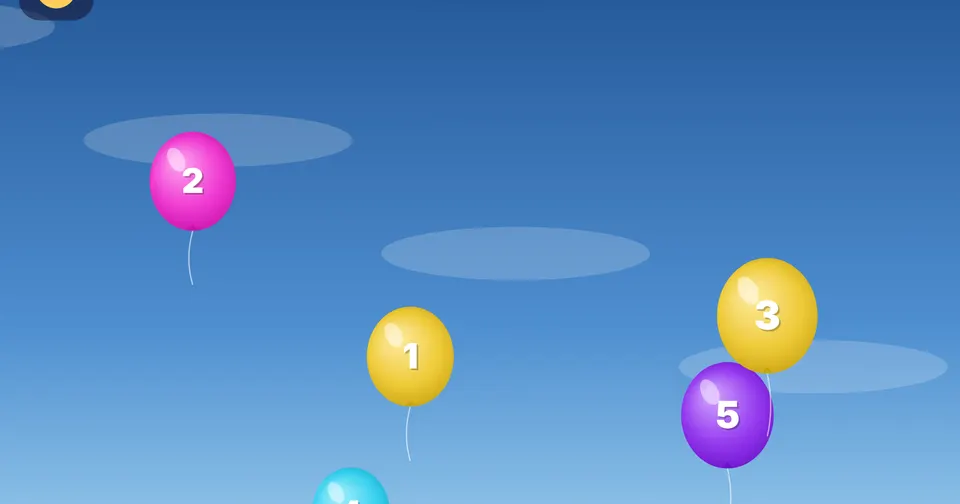
Pop the balloons in counting order, from 1 upwards.
Rain on a window
Draw on a misty window while the rain runs down the glass.
Domino run
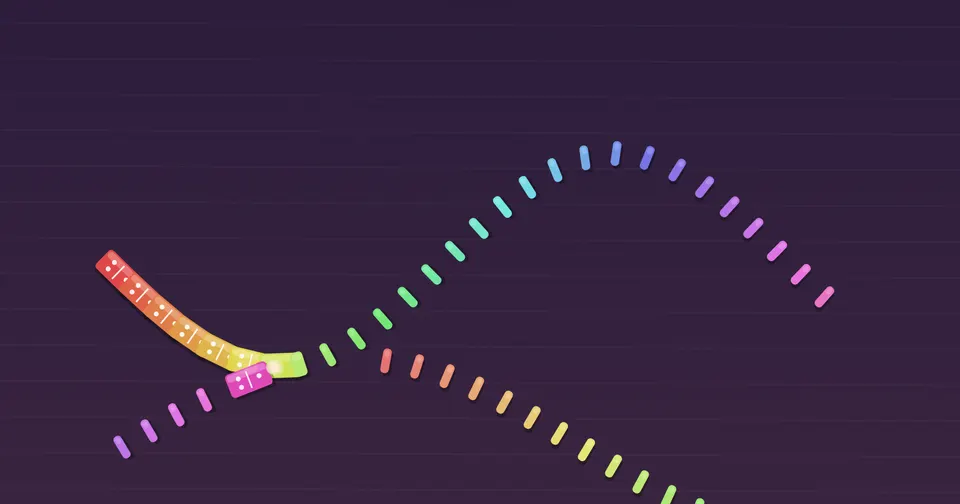
Draw a line of dominoes, then tip the first. The notes climb as they fall.
Frog hop
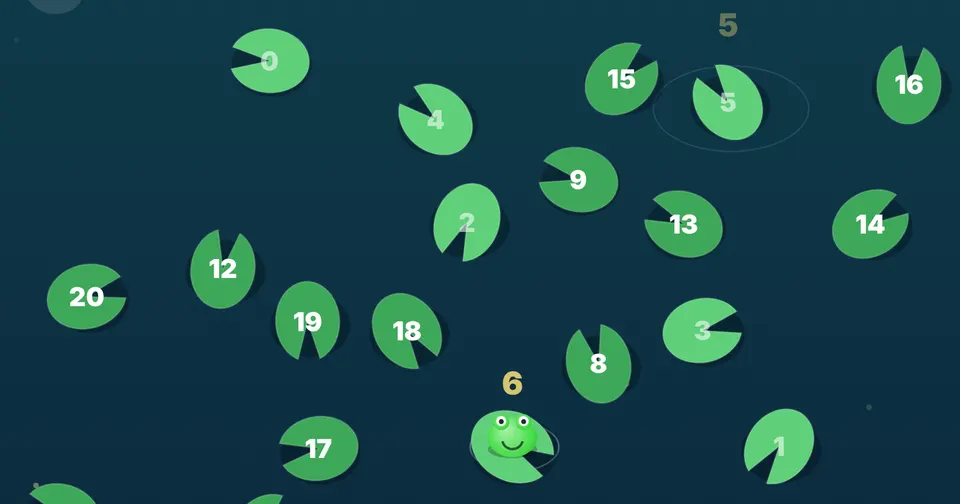
The lily pads drift slowly. Tap the next number to help the frog hop.
Loop garden
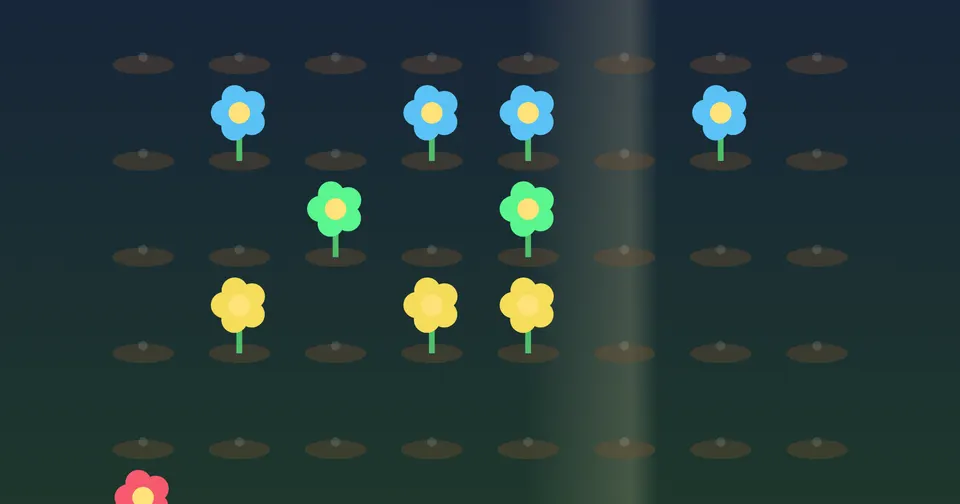
Plant flowers on the grid. A light sweeps across and plays them as a tune.
Marble run
Draw ramps and watch the marbles roll, ping and drop.
How unlocking works
Buy
Choose the family unlock or the school licence below. Payment is handled by Lemon Squeezy.
Get your code
Your unlock code arrives by email straight away.
Type it in
In the app, tap the gear at the top left, then type the code into the Full version box.
Play offline
The device needs the internet once to unlock. After that it works with no connection.
Schools: you do not need to type the code 30 times. Add it to the app's web address, like hilearningplayground.com/?code=YOUR-CODE, and give that link to IT for the iPad web clip, or turn it into a QR code. Each device unlocks itself the first time it opens.
Prices in pounds (GBP). Lemon Squeezy shows the price in your local currency and adds any tax at checkout. The school licence renews each year; Lemon Squeezy emails a reminder first, and it can be cancelled at any time.
Questions
Can I try it first?
Yes. The free version has every question, Story time, the first book of each library series and half the games, with no time limit. The pictures on this page show the rest.
Are there adverts?
No. There are no adverts, no pop-ups and no sign-in. The app does not collect anything about your child.
Does it work without the internet?
Yes. Once it has been opened online, it keeps working offline, and so does the unlock.
We have more than 50 devices.
Buy a second school licence, or email us and we will set up a larger one.
What happens if we do not renew?
The full version locks again on your devices and the free version keeps working. The app checks the licence about once a month when it is online.
Which phonics order does it follow?
A common UK phonics order, as used by schemes such as Twinkl. Learning Playground is not made by or linked to Twinkl.
What if a device is replaced?
Email us your code and we will free up the old device's place.