24 gentle games where every touch makes colour, movement and soft music. No words on screen, no scores, no adverts. Twelve games are free to play, and one payment opens the rest.
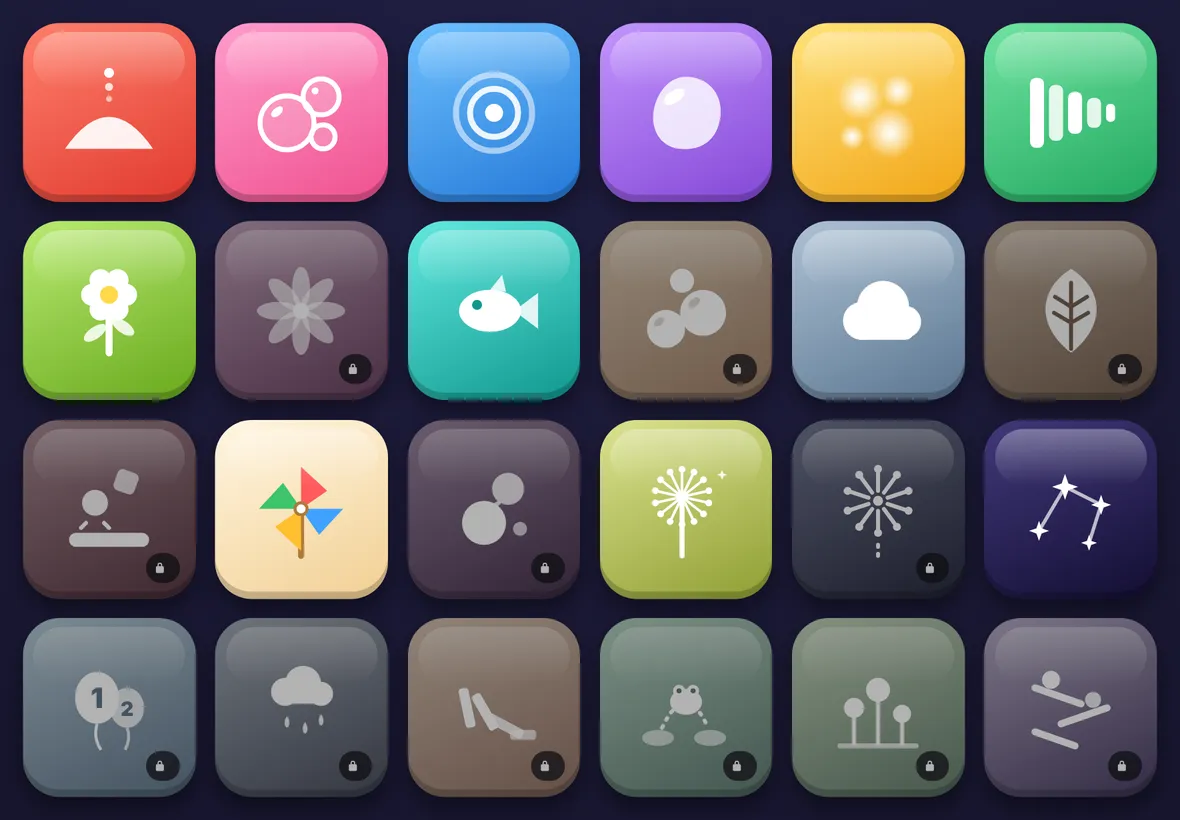
The home screen in the free version. Greyed tiles with a padlock open with the full version.
Made for little hands
Nothing to read
Every game starts from a picture tile, so children who cannot read yet can choose and play on their own.
Nothing to get wrong
There are no scores, timers or lives. Every touch does something, and nothing tells a child they have failed.
Gentle sound
Soft chimes, marimba and xylophone notes that stay in tune together, so a busy table still sounds calm.
Hard to leave by accident
To go back to the games, a grown-up holds the home button until its ring fills. A quick tap does nothing.
Works on any screen
iPads, Android tablets and computers. On a computer, children can click and drag, or press any key to make something happen.
Safe and private
No adverts, no sign-in and no links out. The app collects nothing, and it keeps working with no internet.
Free to play
Twelve games are free, for as long as you like
Sand, Bubbles, Ripples, Jelly, Fireflies, Xylophone, Flowers, Fish, Clouds, Pinwheel, Dandelion and Stars. Here are a few of them.
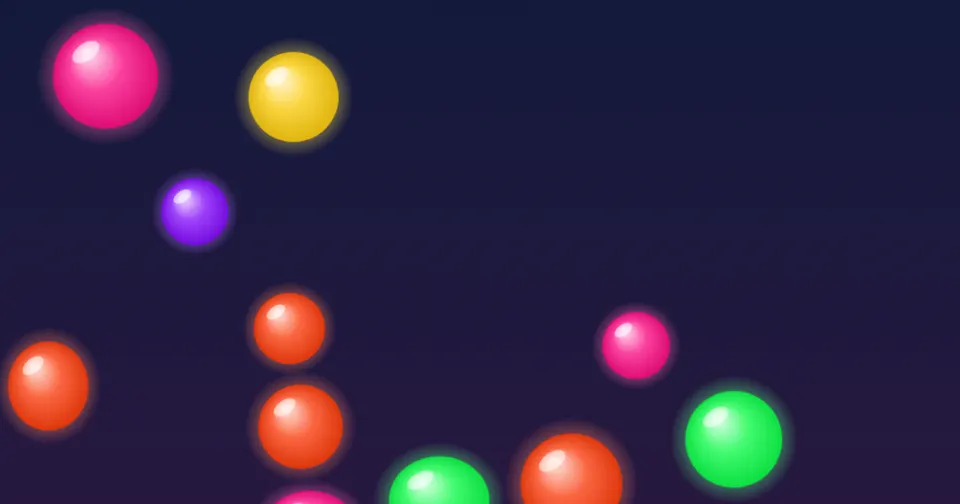
Bubbles
Pop the floating bubbles. Big ones play low notes and small ones play high.
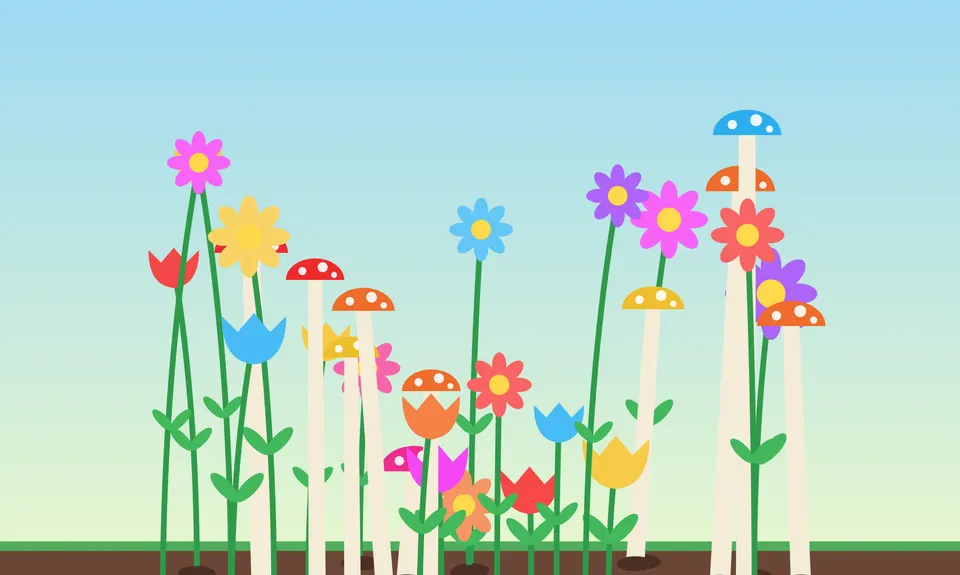
Flowers
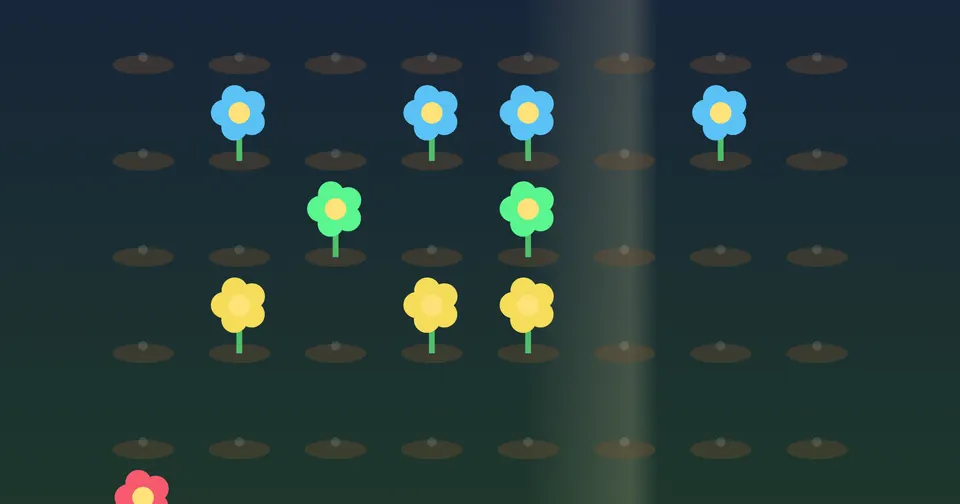
Tap or drag anywhere and a flower, tulip or toadstool grows from the soil.
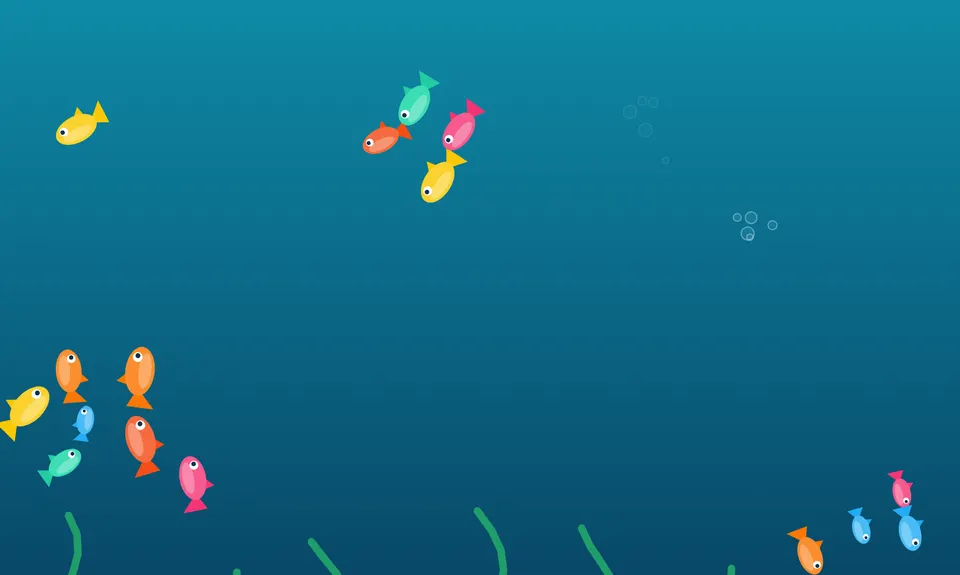
Fish
A school of fish swims together. Tap and they dart away in a flurry of bubbles.
Full version
The 12 games that come with the full version
Kaleidoscope
Draw with a finger and the line mirrors six ways, with soft chimes.
Bounce
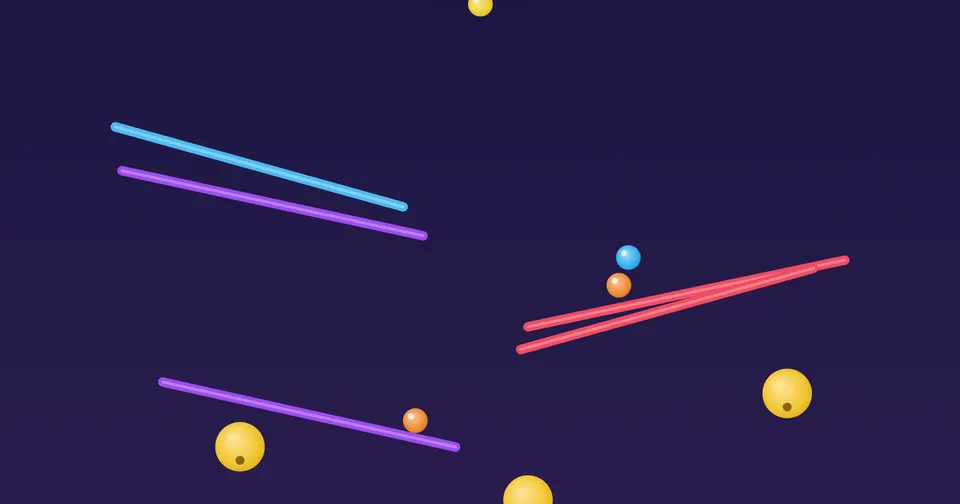
Flick shiny balls around the screen and hear them ring as they bounce.
Leaves
Sweep through autumn leaves as they drift and tumble.
Drums
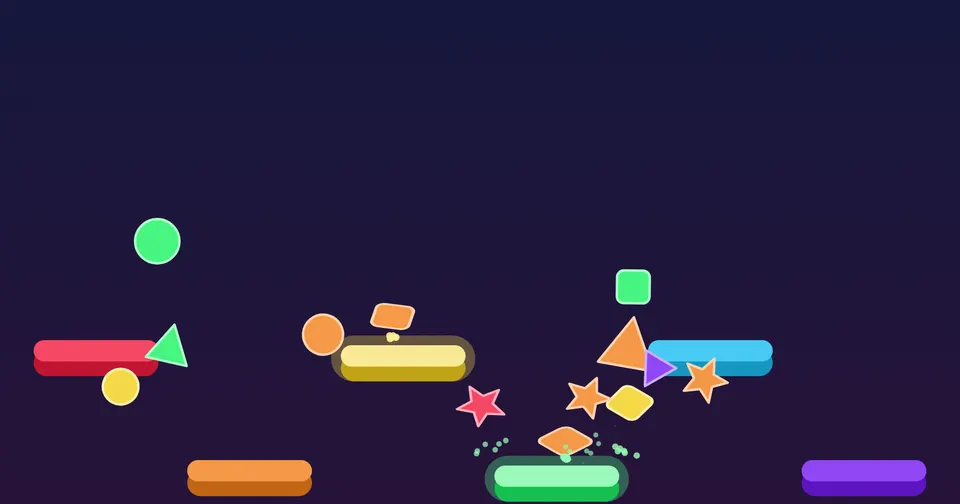
Drop shapes onto coloured bars. Each bar plays its own drum.
Lava
A slow lava lamp. Push the glowing blobs and watch them join.
Fireworks
Tap the night sky to send up quiet, sparkling fireworks.
Number balloons
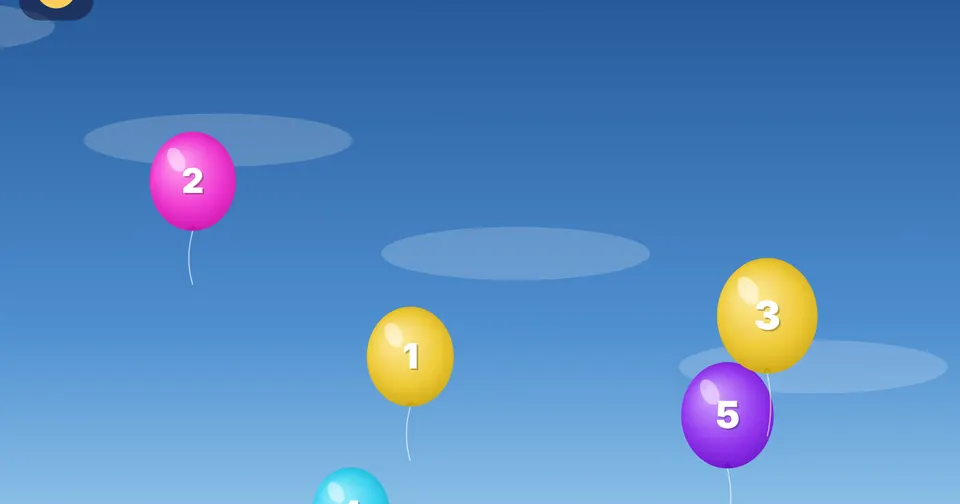
Pop the balloons in counting order, from 1 upwards.
Rain on a window
Draw on a misty window while the rain runs down the glass.
Domino run
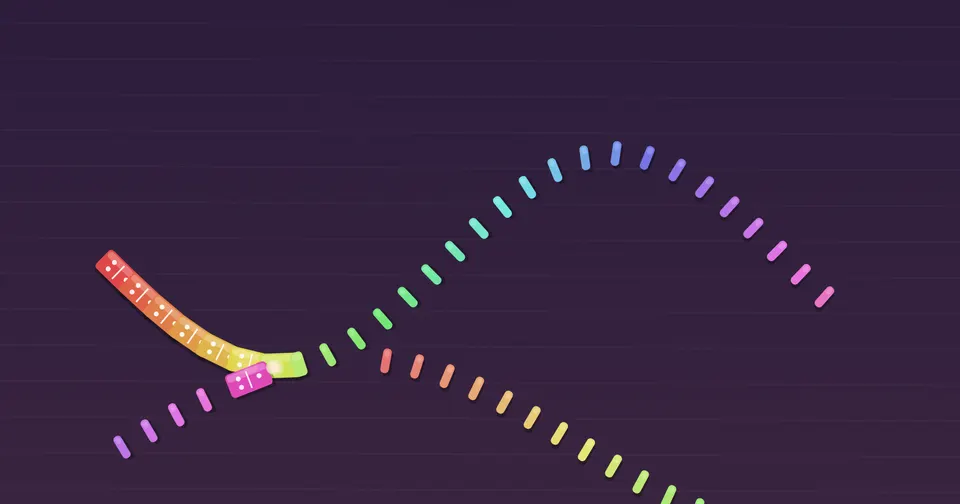
Draw a line of dominoes, then tip the first. The notes climb as they fall.
Frog hop
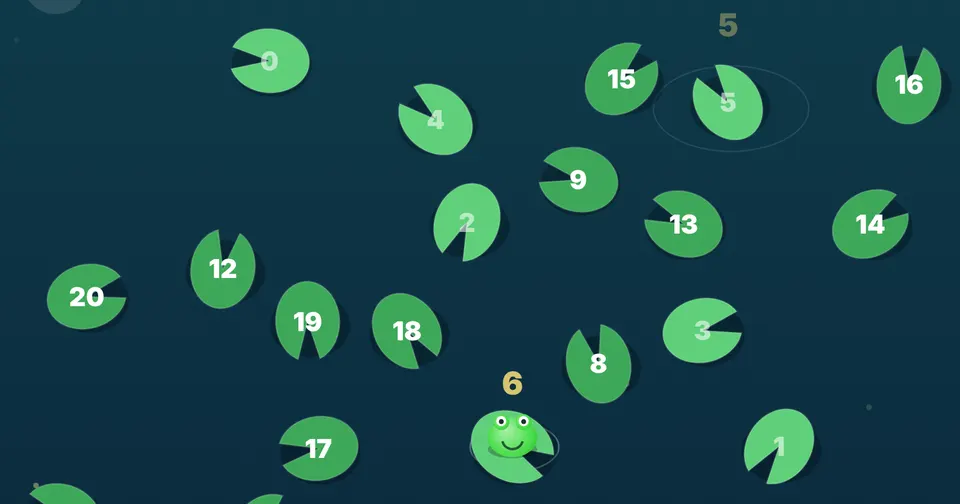
The lily pads drift slowly. Tap the next number to help the frog hop.
Loop garden
Plant flowers on the grid. A light sweeps across and plays them as a tune.
Marble run
Draw ramps and watch the marbles roll, ping and drop.
How unlocking works
Buy
Choose the family unlock or the school licence below. Payment is handled by Lemon Squeezy.
Get your code
Your unlock code arrives by email straight away.
Tap a padlock
Tap any locked game. A grown-ups check appears, so children cannot unlock anything by accident.
Type the code
The device needs the internet once. After that every game works offline.
Nurseries and schools
One code for the whole setting
The school licence unlocks up to 30 iPads, tablets or computers with a single code, and nobody has to type it 30 times.
iPads managed by IT
Add the code to the app's web address, like hisensoryplayground.com/?code=YOUR-CODE, and give that link to IT for the web clip they push to every iPad. Each iPad unlocks itself the first time it opens.
A few devices by hand
Open the same link once on each device, or turn it into a QR code that staff can scan.
Computers
The app also runs as a single file on a desktop computer, with no installing. Type the code once on each computer.
Keeping children in the app
On iPad, turn on Guided Access in Settings. The app stays on screen until a grown-up enters the passcode.